
Terjemahake PDF menyang Inggris
Terjemahake dokumen PDF menyang Basa Inggris sajrone sawetara detik nalika njaga format lan akurasi tingkat AI. DocTranslator nawakake terjemahan profesional sing cepet lan berkualitas kanggo dokumen apa wae, kanthi watesan file 1 GB.
Unggah utawa selehake dokumen kanggo diterjemahake
Ukuran file maksimal 1 GB
- OCR kanggo pindaian lan foto
- 108 basa
- Tata letak asli tetep
Revolusi Komunikasi
Kenapa Nggunakake Penerjemah PDF menyang Basa Inggris?
DocTranslator duwe cara sing lancar kanggo nerjemahake file PDF menyang Basa Inggris nalika njaga format, tata letak, lan integritas file sakabehe. Yen sampeyan duwe dokumen gedhe utawa rumit, iki ana papat alesan penting kanggo milih alat online kita:
Ukuran File nganti 1 GB
DocTranslator ngidini sampeyan ngunggah lan nerjemahake file PDF nganti ukuran 1 GB, sing nyakup umume e-book, makalah riset, laporan, lan dokumen sing dipindai. Ora perlu ngompres utawa misahake file sampeyan. Kabeh dokumen, sanajan multi-bab, bisa diterjemahake kabeh sekaligus, sing ngirit wektu lan njaga konsistensi ing struktur.
Format Dijaga
Nalika sampeyan nerjemahake file PDF menyang Basa Inggris, tata letak tetep padha. Header, poin-poin, tabel, lan gambar sing disematake kabeh tetep padha. Font, warna, lan spasi dilestarekake, sing penting kanggo presentasi, dokumen hukum, utawa pandhuan instruksional ing ngendi format kasebut penting kaya teks kasebut.
120+ Basa Didukung
DocTranslator nawakake terjemahan menyang Basa Inggris kanggo luwih saka 120 basa kalebu pilihan populer kaya Portugis, Prancis, Indonesia, Arab, lan Gujarati. Sampeyan bisa ngirim dokumen sing ana ing salah sawijining basa sing kadhaptar lan nampa versi Basa Inggris sing lancar. Pilihan basa sing akeh iki ndhukung bisnis global, riset akademik, lan panggunaan pribadi.
Akurasi Jarwane
DocTranslator nggunakake Google Translate API bebarengan karo fitur AI tambahan sing luwih nambah presisi. AI ing kasus iki ngira-ngira struktur lan logika ukara, idiom sing digunakake, lan nada wicara kanggo menehi asil kualitas manungsa. Terjemahan sing ditindakake jelas lan eloquent lan njaga makna asli saka konten asli sanajan kanthi topik sing rumit lan khusus.
Pasangan Basa Paling Dikenal
Regane Penerjemah PDF menyang Basa Inggris
Miwiti gratis lan upgrade nalika kabutuhan jarwane tuwuh.
Free
Ora perlu kertu kanggo ndhaptar
- $0.005/tembung terjemahan AI
- $1 saben kaca kanggo pindaian lan PDF gambar
- 108 basa
- File nganti 20 MB lan 20 kaca
- DOCX, PDF, XLSX, PPTX, IDML, TXT, JPG, PNG lan CSV
- Panyimpenan file 24 jam wae
- Editor PDF lan konverter PDF menyang DOCX
Dhasar
Paling populerDitagih saben minggu · batalake kapan wae
Ditagih saben wulan
Ditagih setaun sepisan · ngirit 33%
- Terjemahan AI kalebu saben wulan
- Banjur $0.005/tembung terjemahan AI
- File nganti 100 MB lan 300 kaca
- DOCX, PDF, XLSX, PPTX, IDML, TXT, JPG, PNG lan CSV
- OCR kanggo dokumen sing dipindai
- Panyimpenan dokumen
- Dhukungan prioritas
- Coba gratis 7 dina ing paket bulanan
- Batalake kapan wae
Pro
Ditagih saben wulan
Ditagih setaun sepisan · ngirit 34%
- Terjemahan AI kalebu saben wulan
- Banjur $0.004/tembung terjemahan AI
- File nganti 1 GB lan 5.000 kaca
- DOCX, PDF, XLSX, PPTX, IDML, TXT, JPG, PNG lan CSV
- Glosarium
- Antrean prioritas
- 5 kursi tim
- Panjaluk API · 1.000 kaca saben wulan
- Akses MCP kanggo asisten AI
- Batalake kapan wae
Bisnis
Ditagih saben wulan
Ditagih setaun sepisan · ngirit 33%
- Terjemahan AI kalebu saben wulan
- Banjur $0.003/tembung terjemahan AI
- File nganti 1 GB lan 5.000 kaca
- DOCX, PDF, XLSX, PPTX, IDML, TXT, JPG, PNG lan CSV
- Glosarium
- Antrean prioritas
- 15 kursi tim
- Panjaluk API · 5.000 kaca saben wulan
- Akses MCP kanggo asisten AI
- Batalake kapan wae
Enterprise
Perlu luwih akeh volume, tagihan utawa perjanjian khusus? Rembugan karo kita babagan paket Enterprise.
Delengen Apa PDF sing Diterjemahake menyang Basa Inggris Katon
Pengin pratinjau cara kerjane sadurunge ngunggah? Ing ngisor iki asil khas sing bisa diarepake nalika sampeyan nerjemahake PDF menyang Basa Inggris online nggunakake DocTranslator:
- ✓ Terjemahan Basa Inggris alami sing njaga makna.
- ✓ Font lan tata letak konsisten karo asline.
- ✓ Header, paragraf, lan tabel diformat kanthi bener.
- ✓ Bagan, tandatangan, lan gambar sing disematake dilestarekake.
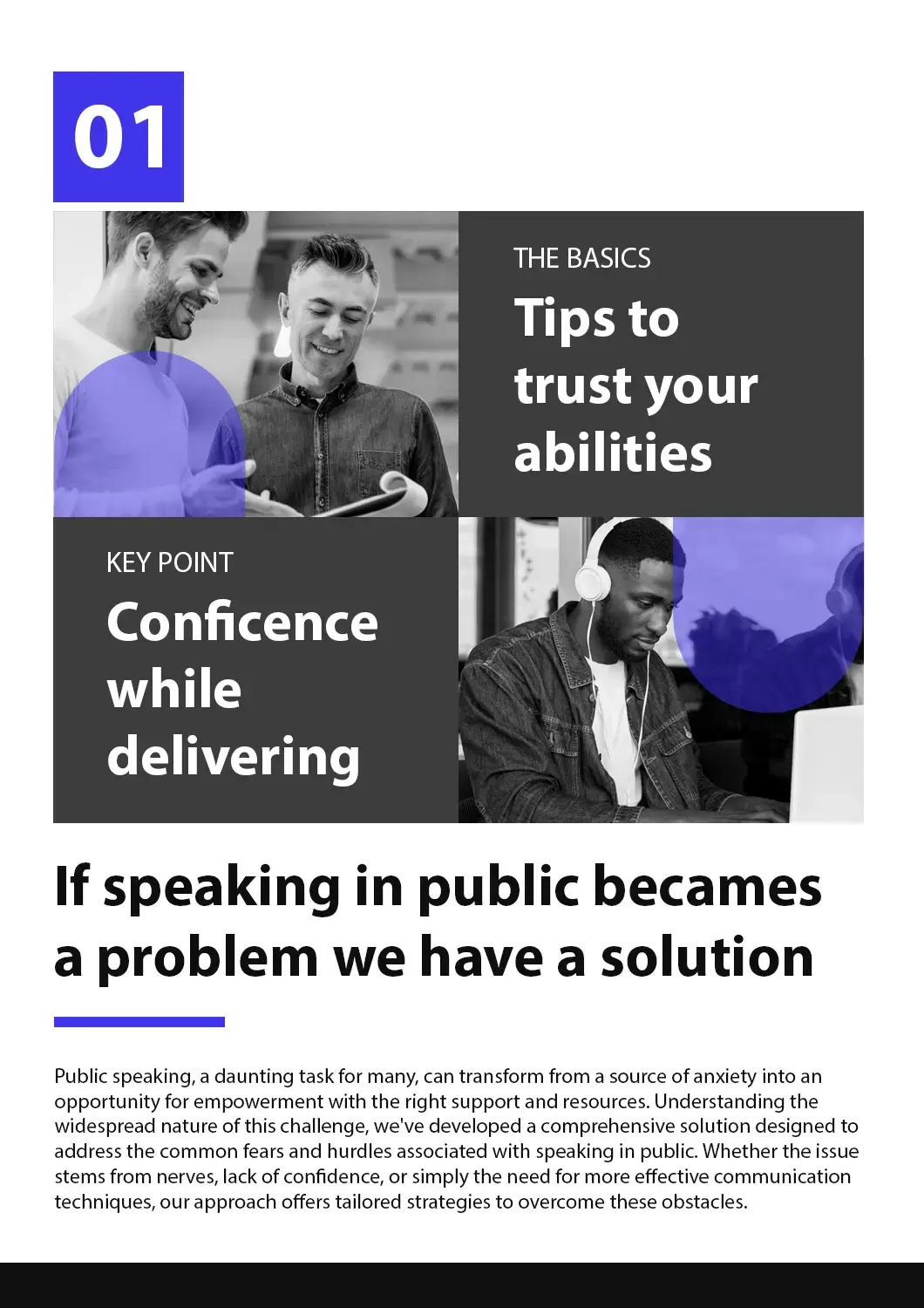
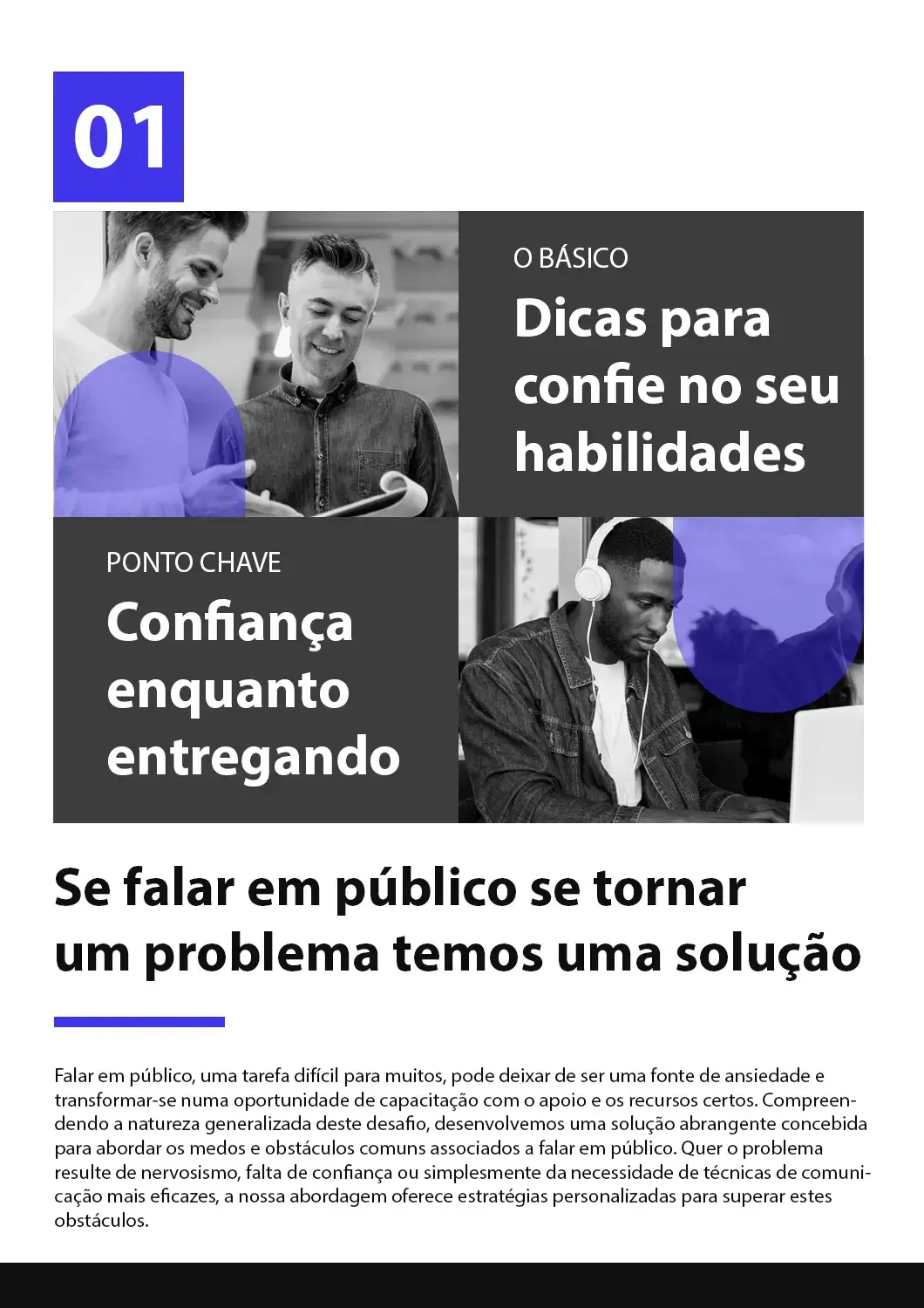
Conto-conto iki nuduhake yen DocTranslator ngirimake terjemahan sing jelas lan terstruktur nalika njaga kabeh detail visual lan format ing panggonane.


Cara Nggunakake Penerjemah PDF Online menyang Basa Inggris?
Gawe Akun Gratis
Ndhaptar nganggo email sampeyan kanggo ngakses dasbor terjemahan online.
Unggah File PDF-mu
Seret lan selehake file utawa telusuri kanggo milih. File nganti 1 GB didhukung ing paket Pro lan Bisnis.
Pilih Setelan Basa
Pilih basa asli PDF sampeyan lan atur Basa Inggris minangka basa target.
Jarwane lan Undhuh
Klik "Terjemahake" lan ngenteni sawetara menit. PDF sing diterjemahake bakal siap diundhuh, kanthi format sing dilestarekake.
Tonton video cendhak iki kanggo ndeleng carane terjemahan file PDF menyang Basa Inggris!
Pitakonan Sing Sering Ditakokake
Apa aku bisa nerjemahake file PDF gedhe kanthi online nganggo AI?
Ya, DocTranslator nggunakake teknologi AI-powered kanggo nerjemahake file PDF nganti 1 GB utawa 5.000 kaca ing rencana Pro lan Business. Basic njupuk file nganti 100 MB lan 300 kaca, lan Free nganti 20 MB lan 20 kaca.
Format file apa sing didhukung DocTranslator?
DocTranslator ndhukung file DOCX (Word), PDF, XLSX (Excel), PPTX (PowerPoint), IDML (InDesign), TXT, JPG, JPEG, PNG, CSV, lan JSON. Sampeyan bisa nyeret lan ngeculake file utawa nelusuri piranti sampeyan kanggo ngunggah.
Pira regane nerjemahake dokumen nganggo AI?
Ndaftar iku gratis, lan ing rencana Free saben terjemahan AI dibayar saben dokumen: $0.005 saben tembung, utawa $1 saben kaca kanggo pindaian, kanthi minimal $0.99. Langganan kalebu terjemahan AI saben 30 dina: nganti 1.000 kaca ing Basic (wiwit $1.99 seminggu) lan nganti 5.000 ing Pro ($19.99 saben wulan) lan Business ($49.99 saben wulan). Kabeh rencana kalebu 120+ basa lan dhukungan format file lengkap.
Pira basa sing didhukung DocTranslator?
DocTranslator ndhukung luwih saka 120 basa kalebu Spanyol, Prancis, Jerman, Cina (Mandarin lan Kanton), Jepang, Korea, Arab, Portugis, Italia, Rusia, lan liya-liyane.
Sepira cepete terjemahan dokumen AI?
Umume gumantung marang dokumen. PDF cendhak kanthi lapisan teks bakal rampung luwih cepet tinimbang pindaian dawa, amarga saben kaca sing dipindai kudu dikenali (OCR) sadurunge bisa diterjemahake. Ora ana langkah persiyapan sadurunge: sampeyan ngunggah file, milih rong basa, klik "Terjemah" lan undhuh asil ing format lan tata letak asli.
Apa DocTranslator njaga format dokumen asli?
Inggih, DocTranslator njaga gaya basa asli, format, font, lan tata letak dokumen sampeyan. AI njamin akurasi lan konteks nalika njaga alur alami dokumen asli sampeyan ing kabeh format sing didhukung.
Apa dokumenku aman nalika nggunakake DocTranslator?
Inggih, kabeh komunikasi karo DocTranslator dienkripsi. Dokumen pribadi sampeyan ditangani kanthi ati-ati, lan mung personel sing sah sing bisa ndeleng file sampeyan. DocTranslator duwe kabijakan privasi sing kuat.
Apa aku bisa ndeleng pratinjau terjemahan sadurunge mbayar?
Ya. Saben terjemahan PDF kalebu pratinjau gratis kaca pisanan, supaya sampeyan bisa mriksa akurasi lan format sadurunge mbayar. Kanggo mriksa luwih lengkap, terjemahake dokumen cendhak dhisik: terjemahan AI dibayar saben dokumen, saka $0.99.
Apa bedane antarane terjemahan AI lan terjemahan manungsa?
Terjemahan AI cepet lan terjangkau ($0.005/tembung ing Free, kurang ing Pro, dibayar saben dokumen) lan becik kanggo pangerten cepet konten. Kanggo tujuan resmi kaya kiriman USCIS sing mbutuhake terjemahan sing disertifikasi lan dinotarisasi, sampeyan kudu nggunakake layanan terjemahan manungsa.
Kepiye carane miwiti karo DocTranslator?
Gawe akun DocTranslator gratis kanthi ndhaptar nganggo jeneng, email, lan sandhi. Banjur unggah file sampeyan (Word, PDF, PowerPoint, lsp), pilih basa sumber lan target, klik "Terjemahake," lan undhuh dokumen sing wis diterjemahake.
Terjemahake Teks PDF menyang Basa Inggris Sanalika
Perlu nerjemahake PDF menyang Basa Inggris kanthi otomatis tanpa kelangan format? DocTranslator nggawe gampang. Cukup unggah dokumen sampeyan, pilih Basa Inggris, lan ayo alat sing didukung AI menehi terjemahan cepet lan berkualitas tinggi kanthi tata letak sing dilestarekake. Ora ana watesan ukuran nganti 1 GB, lan dhukungan kanggo PDF sing dipindai kanthi OCR kalebu.
Jarwane file-mu saiki!
Dhaftar saiki lan temokake kekuwatan DocTranslator lan sepira gedhene prabédan kanggo sampeyan lan bisnis sampeyan.
Piranti sing Gegandhengan
Terjemahake PDF miturut Basa
Jinis Dokumen
Kanca-kanca Kita




