
Translate PDF to English
Translate a PDF document to English within a few seconds while maintaining formatting and AI level accuracy. DocTranslator offers quick, professional quality translations for any document, with a file limit of 1 GB.
Upload or drop document to translate
Max. file size 1 GB
- OCR for scans and photos
- 108 languages
- Original layout kept
Revolutionizing Communication
Why Use a PDF Translator to English?
DocTranslator has a very smooth way to translate PDF files to English while keeping the formatting, layout, and all-around file integrity intact. If you have large or complex documents, here are four important reasons to choose our online tool:
File Size up to 1 GB
DocTranslator allows you to upload and translate PDF files of up to 1 GB in size, which covers most eBooks, research papers, reports, and scanned documents. There is no need to compress or split your files. The entire document, even if it's multi-chapter, may be translated all in one go, which saves one time and maintains consistency in structure.
Formatting Preserved
When you translate a PDF file to English, the layout essentially remains the same. Headers, bullet points, tables, and embedded images all remain the same. The fonts, colors, and spacing are preserved, which is critical for presentations, legal documents, or instructional guides where the format holds its due importance as the text itself.
108 Supported Languages
DocTranslator offers translation into English for 108 languages including popular options like Portuguese, French, Indonesian, Arabic, and Gujarati. You can submit a document that is in one of the listed languages and receive a fluent English version. This wide selection of languages supports global business, academic research, and personal use.
Translation Accuracy
DocTranslator leverages Google Translate API together with additional AI features which increases precision even further. The AI in this case assesses the structure and logic of the sentences, the idioms in use, and the tone of speech to provide human quality results. The translation done is lucid and eloquent and upholds the exact meaning of the original content even with intricate and specialized topics.
PDF to English Translator Pricing
Start free and upgrade as your translation needs grow.
Free
No card needed to sign up
- $0.005/word AI translation
- $1 per page for scans and image PDFs
- Free preview of the first page, where available
- 108 languages
- Files up to 20 MB and 20 pages
- DOCX, PDF, XLSX, PPTX, IDML, TXT, JPG, PNG and CSV
- 24-hour file storage only
- PDF editor and PDF to DOCX converter
Basic
Most popularBilled every week · cancel any time
Billed monthly
Billed once a year · save 33%
- AI translation included every month
- Then $0.005/word AI translation
- Files up to 100 MB and 300 pages
- DOCX, PDF, XLSX, PPTX, IDML, TXT, JPG, PNG and CSV
- OCR for scanned documents
- Document storage
- Priority support
- 7-day free trial on the monthly plan, up to 30,000 words
- Cancel any time
Pro
Billed monthly
Billed once a year · save 34%
- AI translation included every month
- Then $0.004/word AI translation
- Files up to 1 GB and 5,000 pages
- DOCX, PDF, XLSX, PPTX, IDML, TXT, JPG, PNG and CSV
- Glossary
- Priority queue
- 5 team seats
- API requests · 1,000 pages a month
- MCP access for AI assistants
- Cancel any time
Business
Billed monthly
Billed once a year · save 33%
- AI translation included every month
- Then $0.003/word AI translation
- Files up to 1 GB and 5,000 pages
- DOCX, PDF, XLSX, PPTX, IDML, TXT, JPG, PNG and CSV
- Glossary
- Priority queue
- 15 team seats
- API requests · 5,000 pages a month
- MCP access for AI assistants
- Cancel any time
Enterprise
Need more volume, invoicing or a custom agreement? Talk to us about an Enterprise plan.
See What a Translated PDF to English Looks Like
Want to preview how it works before uploading? Below are typical results you can expect when you translate a PDF to English online using DocTranslator:
- ✓ Natural English translation that preserves meaning.
- ✓ Fonts and layout are consistent with the original.
- ✓ Headings, paragraphs, and tables are formatted properly.
- ✓ Embedded charts, signatures, and images retained.
These examples show that DocTranslator delivers clear, structured translations while keeping every visual and formatting detail in place.
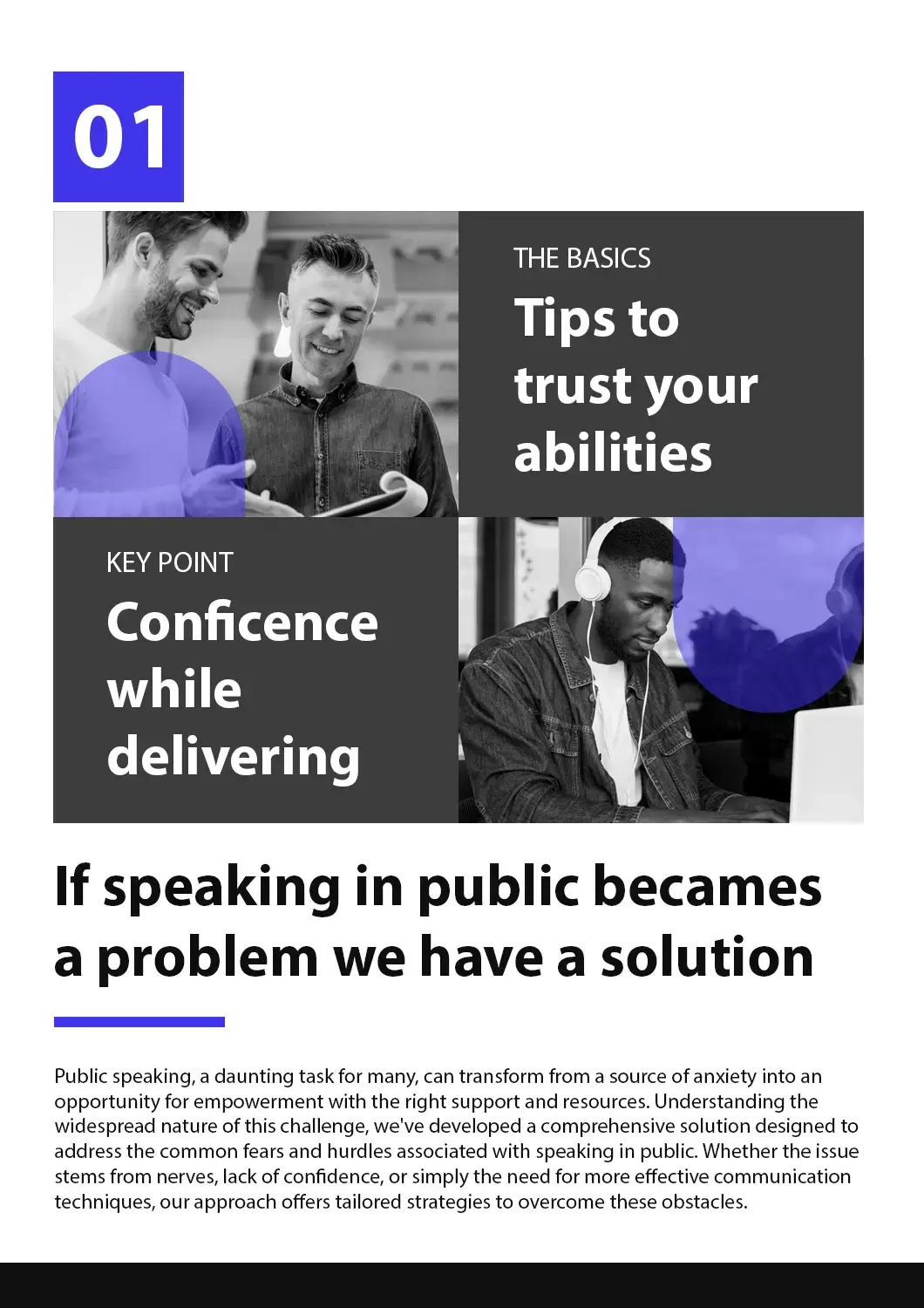



How to Use Our Online PDF Translator to English?
Create a Free Account
Sign up with your email to access the online translation dashboard.
Upload Your PDF File
Drag and drop your file or browse to select it. Files up to 1 GB are supported on the Pro and Business plans.
Choose Language Settings
Select the original language of your PDF and set English as the target language.
Translate and Download
Click "Translate" and wait a few moments. Your translated PDF will be ready to download, with formatting preserved.
Watch this short video to see how PDF file translation to English works!
Frequently Asked Questions
Can I translate large PDF files online with AI?
Yes, DocTranslator uses AI-powered technology to translate PDF files up to 1 GB or 5,000 pages in length on the Pro and Business plans. Basic takes files up to 100 MB and 300 pages, and Free up to 20 MB and 20 pages.
What file formats does DocTranslator support?
DocTranslator supports DOCX (Word), PDF, XLSX (Excel), PPTX (PowerPoint), IDML (InDesign), TXT, JPG, JPEG, PNG, CSV, and JSON files. You can drag and drop files or browse your device to upload them.
How much does it cost to translate documents with AI?
Signing up is free, and on the Free plan every AI translation is paid per document: $0.005 per word, or $1 per page for scans, with a $0.99 minimum. A subscription includes AI translation every 30 days: up to 1,000 pages on Basic (from $1.99 a week) and up to 5,000 on Pro ($19.99 a month) and Business ($49.99 a month). All plans include 108 languages and full file format support.
How many languages does DocTranslator support?
DocTranslator supports 108 languages including Spanish, French, German, Chinese (Mandarin and Cantonese), Japanese, Korean, Arabic, Portuguese, Italian, Russian, and many more.
How fast is the AI document translation?
It depends mostly on the document. A short PDF with a text layer comes back sooner than a long scan, because each scanned page has to be recognised (OCR) before it can be translated. There is no setup step before that: you upload the file, choose the two languages, click "Translate" and download the result in its original format and layout.
Does DocTranslator preserve the original document formatting?
Yes, DocTranslator maintains the original language style, formatting, fonts, and layout of your document. The AI ensures accuracy and context while preserving the natural flow of your original document across all supported formats.
Is my document secure when using DocTranslator?
Yes, all communications with DocTranslator are encrypted. Your private documents are handled with discretion, and only authorized personnel can view your files. DocTranslator has robust privacy policies in place.
Can I preview my translation before paying?
Yes, where a preview is available for your language pair. After you upload a file, DocTranslator shows its first page already translated, free of charge, before you pay; for EPUB and HTML files it is the opening section. For a fuller check, the monthly Basic plan starts with a 7-day free trial for up to 30,000 words, or you can pay for a short document on its own, from $0.99.
What's the difference between AI translation and human translation?
AI translation is instant and affordable ($0.005/word on Free, less on Pro, paid per document) and ideal for quick understanding of content. For official purposes like USCIS submissions that require certified and notarized translations, you must use human translation services.
How do I get started with DocTranslator?
Create a free DocTranslator account by signing up with your name, email, and password. Then upload your file (Word, PDF, PowerPoint, etc.), select source and target languages, click "Translate," and download your translated document.
Translate PDF Text to English Instantly
Need to auto-translate a PDF to English without losing formatting? DocTranslator makes it easy. Simply upload your document, select English, and let our AI-powered tool deliver fast, high-quality translations with layout preserved. No size restrictions up to 1 GB, and support for scanned PDFs with OCR included.
Translate your file now!
Sign up today and discover the power of DocTranslator and how much difference it'll make for you and your business.
Related Tools
Translate PDF by Language
Document Types
Our Partners




