
Translate PDF English to Japanese
Convert English PDFs into natural, properly typeset Japanese with the kanji, kana, and layout intact, or translate the other way, from Japanese back to English. Files up to 1 GB.
Upload or drop document to translate
Max. file size 1 GB on Pro and Business
The button opens a free sign-up. The translation itself runs in your dashboard, where you choose the file again. Using an AI assistant? Connect it through MCP.
- OCR for scans and photos
- 108 languages
- Original layout kept
What it takes to translate a PDF into Japanese
Japanese is one of the harder languages to get right inside a PDF. It mixes three writing systems (kanji, hiragana, and katakana), uses no spaces between words, and puts full-width and half-width characters on the same line. A tool that only swaps words tends to break the line wrapping and push text out of tables, and it leaves blank boxes (tofu, □) wherever a font is missing. DocTranslator translates the text and also re-typesets it, so the Japanese version still fits the page it came from.
Japanese usually runs about 20 to 60% shorter than the same English once you count characters, but each character is visually wider, so reflowing the layout matters as much as the wording. The same engine works in reverse, from Japanese into English. There the problem flips: short, dense Japanese expands into longer English that then has to be re-fitted so it does not overflow the page.
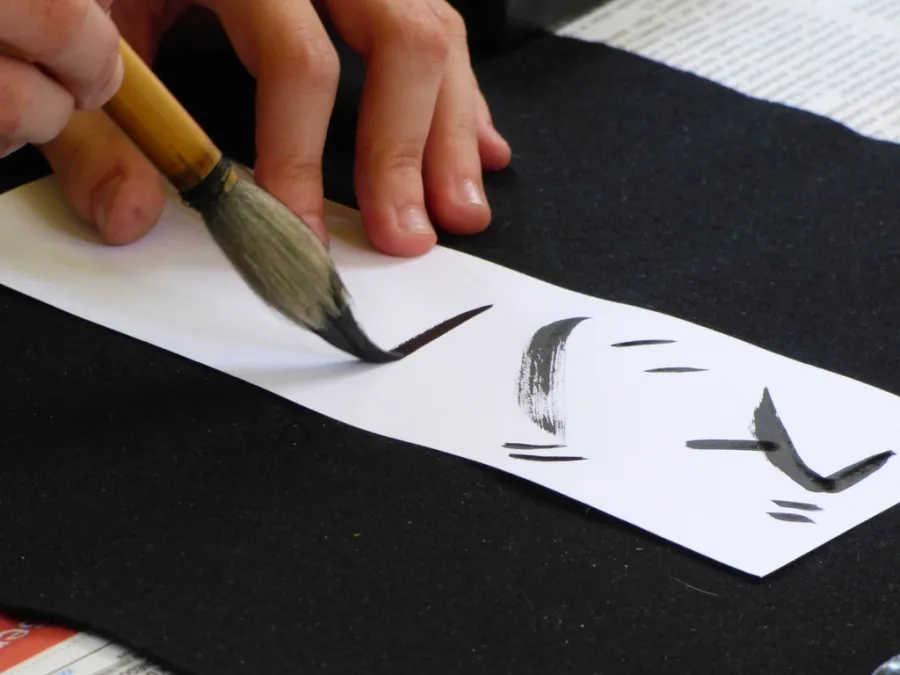
What makes Japanese PDFs tricky, and how we handle it
Three scripts, no word spaces
Kanji carry meaning, hiragana handle grammar, and katakana mark loanwords and names. Since nothing marks where one word ends and the next begins, line breaking follows Japanese rules (kinsoku) so a sentence does not break in the wrong place or strand punctuation at the start of a line.
Fonts that actually contain the glyphs
A Latin-only font cannot render 漢字. We embed CJK-capable fonts so every character shows up instead of falling back to blank boxes. That matters most for scanned contracts and manuals, where the original font is gone.
Vertical and horizontal text
Japanese runs both ways: left to right in horizontal text and top to bottom in vertical text (tategaki). Tables, forms, and stamped seals (hanko) stay in place, so the translated page reads the way the original did.
Politeness and context
Japanese builds in levels of formality (keigo) that English tends to flatten. The AI reads the surrounding context to pick a fitting register, so business letters come out more formal than casual material instead of being translated word for word.
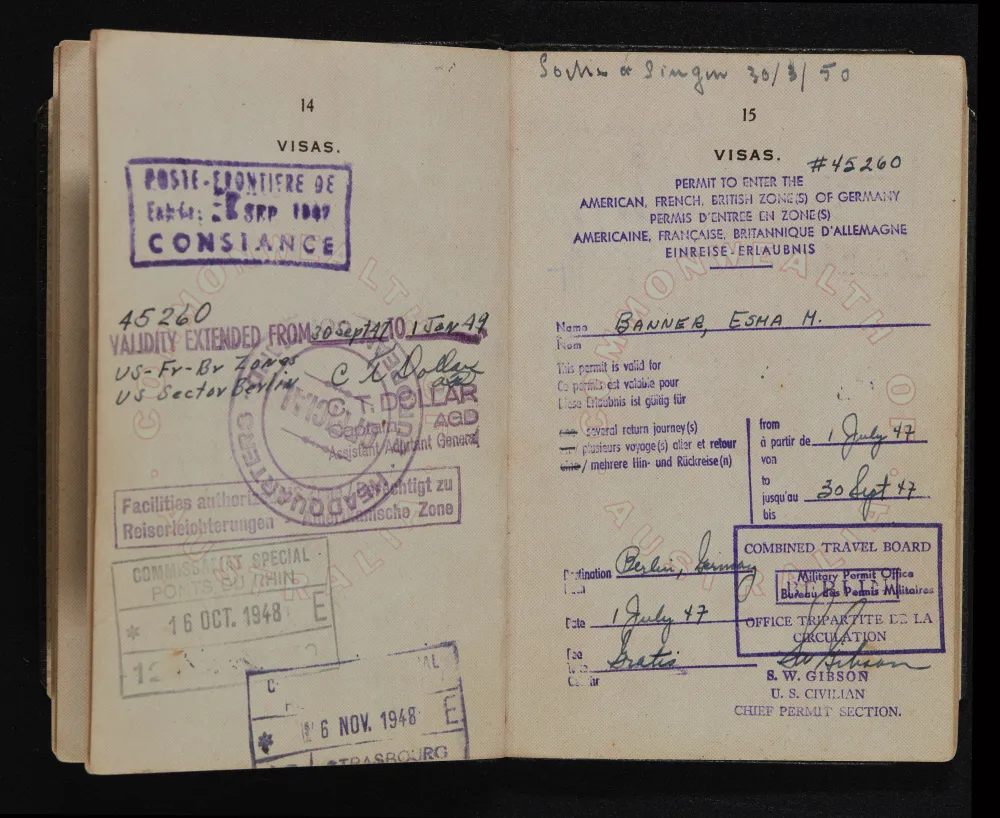
Documents people translate between English and Japanese
Japan has one of the world's largest economies and is a major manufacturing and publishing center, so most PDFs in this language pair are commercial or technical:
- Business contracts, NDAs and internal proposal (ringi) documents
- Manufacturing and equipment manuals, spec sheets and safety data sheets
- Investor relations and financial reports (有価証券報告書) for cross-border filings
- Academic papers, patents and research submitted to Japanese journals
- Family registry (koseki) extracts and immigration paperwork for visas
- Product packaging, instructions for use, and app or game localization scripts
Anything you submit to a government office or court, such as a visa, immigration, or legal filing, usually needs a certified, human-reviewed translation. AI translation is the fast, low-cost option when you mainly need to understand a document or produce a first draft. See certified translation if you need an official stamp.
English to Japanese PDF Translation Pricing
Start free and upgrade as your translation needs grow.
Free
No card needed to sign up
- $0.005/word AI translation
- $1 per page for PDFs and scans
- Free preview of the first page, where available
- 108 languages
- Files up to 20 MB and 20 pages
- DOCX, PDF, XLSX, PPTX, IDML, TXT, JPG, PNG and CSV
- 24-hour file storage only
- PDF editor and PDF to DOCX converter
Basic
Most popularBilled every week · cancel any time
Billed monthly
Billed once a year · save 33%
- AI translation included every month
- Then $0.005/word AI translation
- Files up to 100 MB and 300 pages
- DOCX, PDF, XLSX, PPTX, IDML, TXT, JPG, PNG and CSV
- OCR for scanned documents
- Document storage
- Priority support
- 7-day free trial on the monthly plan, up to 30,000 words
- Cancel any time
Pro
Billed monthly
Billed once a year · save 34%
- AI translation included every month
- Then $0.004/word AI translation
- Files up to 1 GB and 5,000 pages
- DOCX, PDF, XLSX, PPTX, IDML, TXT, JPG, PNG and CSV
- Glossary
- Priority queue
- 5 team seats
- API requests · 1,000 pages a month
- MCP access for AI assistants
- Cancel any time
Business
Billed monthly
Billed once a year · save 33%
- AI translation included every month
- Then $0.003/word AI translation
- Files up to 1 GB and 5,000 pages
- DOCX, PDF, XLSX, PPTX, IDML, TXT, JPG, PNG and CSV
- Glossary
- Priority queue
- 15 team seats
- API requests · 5,000 pages a month
- MCP access for AI assistants
- Cancel any time
Enterprise
Need more volume, invoicing or a custom agreement? Talk to us about an Enterprise plan.
How to translate your PDF to Japanese?
Create a Free Account
Sign up with your email to access the online translation dashboard.
Upload Your PDF File
Drag and drop your file or browse to select it. Files up to 1 GB are supported on the Pro and Business plans.
Choose Japanese as Target Language
Select the original language of your PDF and set Japanese as the target language.
Translate and Download
Click "Translate" and wait a few moments. Your translated PDF will be ready to download in Japanese, with formatting preserved.
English to Japanese PDF translation FAQ
Will kanji, hiragana, and katakana display correctly in the translated PDF?
Yes. DocTranslator embeds CJK-capable fonts in the output, so every Japanese character renders properly instead of showing blank boxes (tofu). This matters most for scanned PDFs and older files whose original Japanese font is no longer available.
Does it keep vertical Japanese text and tables in place?
The layout is preserved, including vertically set text (tategaki), multi-column pages, tables, and the position of seals and figures. The translated page mirrors the structure of the original instead of being dumped into a single text column.
Can DocTranslator handle Japanese politeness levels (keigo)?
The AI reads the surrounding context to choose a fitting register, so business and formal documents come out in suitably polite Japanese rather than a flat, literal rendering. For high-stakes legal wording, have a native reviewer check the final text.
What changes when I go the other way, Japanese into English?
The pair works in both directions on the same engine, but the output behaves differently. English set from Japanese usually runs longer than the source, because Japanese packs a great deal into a few characters, so lines that fitted a narrow column may need more room. Two details are worth checking by eye afterwards: personal names, which appear surname first in Japanese and are often reversed in English, and dates written in era years, where Reiwa 6 and Heisei 31 mean nothing to a reader expecting 2024 and 2019.
Can I submit this for a visa or a court filing?
Not on its own. A koseki extract is the usual stumbling block: the family registry is a structured record of a household rather than a single certificate, and the receiving office needs a human translator to sign a statement that the rendering is accurate and complete. Immigration filings and courts ask for that certification regardless of how good the translation reads. Our certified translation option covers that route.
Why is my Japanese PDF so much larger than an English one?
Because of the fonts. A Latin font carries a few hundred glyphs while a Japanese one has to carry thousands, so embedding it inflates the file well beyond what the page count suggests. A twenty page Japanese document can weigh more than a hundred page English one. The 1 GB limit on the Pro and Business plans is generous enough that this rarely matters, but it does explain why file size is a poor guess at how much text you are sending. If a font-heavy file still exceeds the Free or Basic cap, see how to translate a large PDF into Japanese without splitting it.
How is cost worked out when Japanese has no spaces between words?
On the Free plan AI translation is $0.005 per word, and a page of Japanese gives you no reliable way to count those by looking at it, since the writing runs continuously without spaces. The practical answer is to measure rather than estimate: translate one short document first, which costs from $0.99 and shows what a real document of yours actually comes to. On a subscription the count matters less, since pages are included every 30 days (up to 5,000 on Pro) and the per-word rate only applies once that allowance runs out. See pricing for the full detail.
My Japanese PDF is a scan. What will trip it up?
Image files (JPG, JPEG, PNG) and image PDFs are supported, and a clean high-resolution scan of printed text reads well. Three things make Japanese scans harder than most. Furigana, the small reading aids printed above or beside kanji, sit close enough to the main line to be picked up as part of it. Vertically set pages have to be read in the right direction before anything else can happen. And handwriting is a different problem altogether, because cursive kanji bears little resemblance to its printed form. Where you have the original digital file, it will always beat a photograph of the page.
Translate your PDF to Japanese today
Need a fast and reliable PDF to Japanese converter? With DocTranslator, you can translate PDFs online in minutes while keeping the original formatting, images, and layout intact. Upload files up to 1 GB and get accurate results instantly.
Related Tools
Translate PDF by Language
Document Types
Our Partners




