
AI EPUB Translator
Translate EPUB eBooks with neural AI in 120+ languages. Chapters, table of contents, images and styling stay where they belong.
Upload or drop document to translate
Max. file size 1 GB
- OCR for scans and photos
- 108 languages
- Original layout kept

For authors and publishers
AI EPUB translation built for long-form books
Our AI EPUB translator is made for people who publish full-length eBooks, not single pages. You upload a finished EPUB, pick a target language, and the neural engine works through every chapter while the book keeps its structure. EPUB stands for Electronic Publication, the reflowable format used by most e-readers, where text and layout adjust to each screen. Because the format carries chapters, a table of contents, and embedded images, translating it well takes more than swapping words one at a time.
Neural machine translation reads further than the single sentence in front of it. It looks at the surrounding paragraph, so a recurring character name, a repeated phrase, or an idiom that does not translate literally is handled in context rather than word by word. For a novel, a textbook, or a long guide, that difference shows up across hundreds of pages.
The same engine handles fiction, study guides, manuals, and reference works. You send one file and get back one translated EPUB, ready to read or to prepare for sale in a new market.
We built this page for writers and small publishers who want to reach readers in another language without rebuilding the book from scratch. The original chapter order, headings, and styling come through, so the translated edition still reads like the book you wrote.
What AI keeps intact in your eBook
An EPUB is really a small package of HTML files, styles, and images held together by a content map. When you translate EPUB with AI here, the engine replaces the readable text and leaves that structure alone. Chapter files stay separate, the table of contents still links to the right places, and images, captions, and footnotes hold their position. You do not have to re-flow the book or fix broken navigation after the fact.
Everything runs in the browser, so you do not install software or send your manuscript through a desktop client. It works in current versions of Chrome, Firefox, and Safari, which suits writers who draft on one machine and publish from another.
Want the general overview instead? Our EPUB Translator page covers the basic tool and the formats it reads.
Why authors choose our AI EPUB translator

The problems an AI eBook translator solves
Most authors hit the same snags when they try to publish a book in another language. Here is how the AI engine handles each one.
- Limited languages. A lot of tools only cover the most widely spoken languages. This one supports 120+, including regional ones, so you can reach smaller markets that other services skip.
- Broken formatting. Translation often scrambles headings, images, or chapter breaks. The engine works on the text inside each chapter file and leaves the layout in place, so the book still opens cleanly on an e-reader.
- Stiff, literal output. Word-for-word translation reads badly over a whole book. Context-aware AI keeps tone and idiom closer to the original, which cuts the amount of editing you do afterward.
- One file at a time. If you publish a series or a backlist, you can queue several files and translate the set in one pass instead of starting over for each title.
- Locked deliverables. The output stays editable. You can open the translated EPUB, adjust a passage a translator or native reader flags, and prepare it for distribution.
- Privacy worries. Your manuscript is not stored after the session ends, which matters when the book is unpublished work you have not released yet.
The system is built to handle large files and busy periods, so a long book or a batch of titles still moves at a steady pace.
Translate EPUB with AI and publish to any store
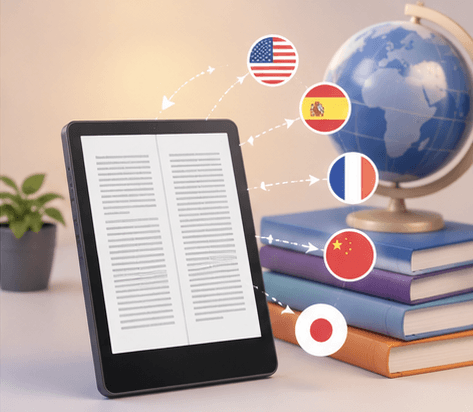
The translated file works with the main e-reader platforms, including Kindle, Apple Books, Google Play Books, and Kobo. You can upload it without reformatting, which keeps a self-publishing schedule on track.
It is also far cheaper than hiring out the whole book. AI translation here costs $0.005 per word on the Free plan, and a subscription includes a block of pages every 30 days, while human translation usually starts around $0.22 per word. For a full-length title, that gap adds up.
Four steps from upload to download. Built-in OCR and formatting tools keep the process to four parts: set up, upload, translate, and download. There is nothing to configure on your machine.
Room for big books.
The engine can process up to 5,000 pages or 1 gigabyte of EPUB-ready text in a single day, which covers an omnibus, a boxed set, or a large reference work without splitting the file.
How AI EPUB translation compares to the old way
Translating a book used to mean copying text out of the file, running it through a tool, and rebuilding the EPUB by hand. Neural translation removes most of that. You keep the source file as it is, and the engine reads the prose with enough context to make sensible choices about wording. Reports, study materials, and eBooks all benefit from that for the same reason: the meaning of a sentence depends on the ones around it.
The other gain is layout. The engine works inside the document instead of stripping the text out, so a PDF, a Word file, or an EPUB keeps its structure. Headings stay headings, chapter breaks stay put, and you avoid the cleanup that used to follow every translation.
It is also fast. A book that would take a person weeks comes back in a fraction of that, which frees you to spend the time on the parts that need a human eye, like checking how a key passage reads in the new language. If you are localizing an eBook for a new market, that is usually where you want your attention anyway.
How the AI EPUB translation works, step by step
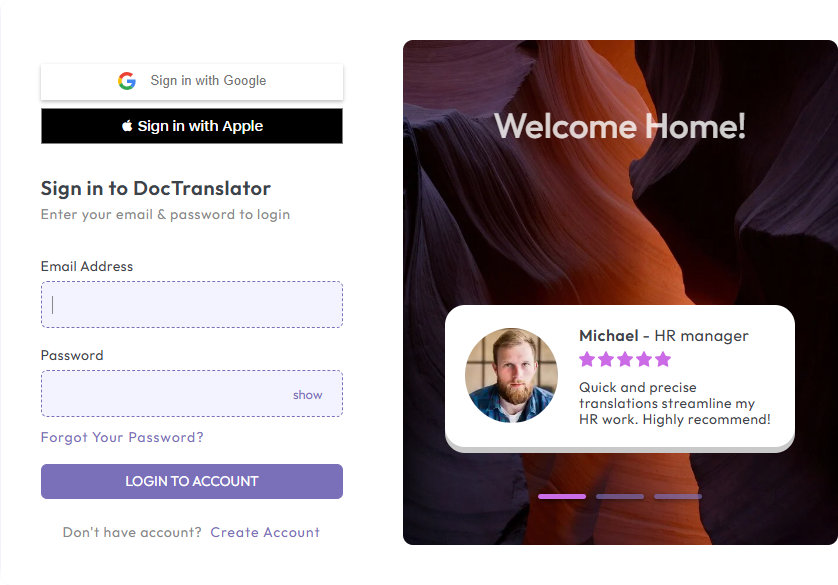
Start with a free account. You give an email and a few details, and the dashboard becomes the place where you submit files, watch their progress, and keep a record of finished translations.
Then upload the book. Drag the EPUB into the upload area or pick it from your device. The tool also reads other common types if you work in them, including Word, Excel, PowerPoint, plain text, InDesign, and CSV, so a draft you have not exported to EPUB yet still works.
Next, set the languages. You choose the source language the book is written in, then the target language you want it in. The list covers formal writing and creative work alike, so a contract and a novel are handled the same way.
Click translate, and the neural engine runs through the file. When it finishes, you download the result. The translated EPUB keeps the structure of the original, so it is ready to read or to send to a store.
Because the output is editable, you can do a final pass yourself or hand it to a proofreader before you publish. That mix, AI for the bulk of the work and a person for the polish, is how most authors get a clean translation without paying for the whole book line by line.
AI EPUB translator: common questions
How is an AI EPUB translator different from a basic EPUB tool?
A basic tool swaps words. An AI translator reads the surrounding text first, so it can pick the right meaning for a word that has more than one, keep a character name consistent, and handle idioms that do not translate literally. Over a full book those choices add up to a smoother read.
Does it keep the chapters, table of contents, and images?
Yes. The engine translates the text inside each chapter file and leaves the rest of the EPUB package alone, so chapter order, the linked table of contents, images, and captions stay in place. You should not have to rebuild the navigation.
How many languages can I translate into?
More than 120, including regional languages that smaller tools leave out. You set the source language, then pick the target.
Is the output good enough to publish, or do I still need an editor?
The AI does the heavy lifting and gets you most of the way. For a book you are selling, a native speaker or proofreader should still read it before release. The file stays editable, so you can fix any passage they flag without losing the formatting.
How big a book can I send?
On Pro and Business, up to 1 GB per file or 5,000 pages, which covers most full-length books and even an omnibus without splitting it. Basic takes up to 300 pages and 100 MB, and Free 20 pages and 20 MB, which suits a sample chapter or a short story rather than a novel.
What happens to my manuscript after translation?
Files are not stored after the session ends. That matters for unpublished work you do not want sitting on a server.
How AI EPUB translation works
Step 1: Create a free account
Sign up with an email and a few details. The dashboard is where you upload books, track progress, and keep a record of finished translations.
Step 2: Upload your EPUB
Drag the EPUB into the upload area or pick it from your device. The tool also reads Word, Excel, PowerPoint, plain text, InDesign, and CSV if you have not exported to EPUB yet.
Step 3: Choose the languages
Set the source language the book is written in, then pick the target language. The list covers more than 120 languages, including regional ones.
Step 4: Translate and download
The neural engine works through every chapter, then you download the translated EPUB. It keeps the original structure, so it is ready to read or to publish.
Translate your eBook with AI
Sign up and run your EPUB through neural translation in 120+ languages. Your chapters and formatting come back intact, ready to reach readers in a new market.
Our Partners




Related Translation Services
File Formats