
Translate PDF to Chinese
Turn an English PDF into Chinese, in either Simplified or Traditional characters, while the original layout, tables, and images stay in place. The same tool also translates Chinese PDFs back into English. Files up to 1 GB.
Upload or drop document to translate
Max. file size 1 GB
- OCR for scans and photos
- 108 languages
- Original layout kept
What happens when you translate a PDF into Chinese
Chinese is written with Han characters rather than an alphabet, so the first thing a translator has to do is rebuild the meaning of each sentence and then express it with the right characters, not just swap one word for another. Mandarin Chinese has around 920 million native speakers, more than any other language, which is why so many businesses end up needing a Chinese version of a contract, manual, or report at some point.
Chinese also leaves no spaces between words. A reader recognises where one word ends and the next begins from the characters themselves, so a tool cannot rely on spaces to wrap lines or count words the way it would in English. DocTranslator works at the sentence level and lays the finished Chinese back into the page, so the characters sit cleanly in the columns, tables, and captions they came from instead of spilling past the margins.
One useful side effect is space. Chinese is compact: a phrase that runs across a full line of English often fits into a handful of characters, so the translated text frequently takes up less room than the source. The same engine runs in the other direction too, turning a Chinese PDF back into English, where the text usually grows and the layout has to be re-fitted so the longer English lines still fit the page.
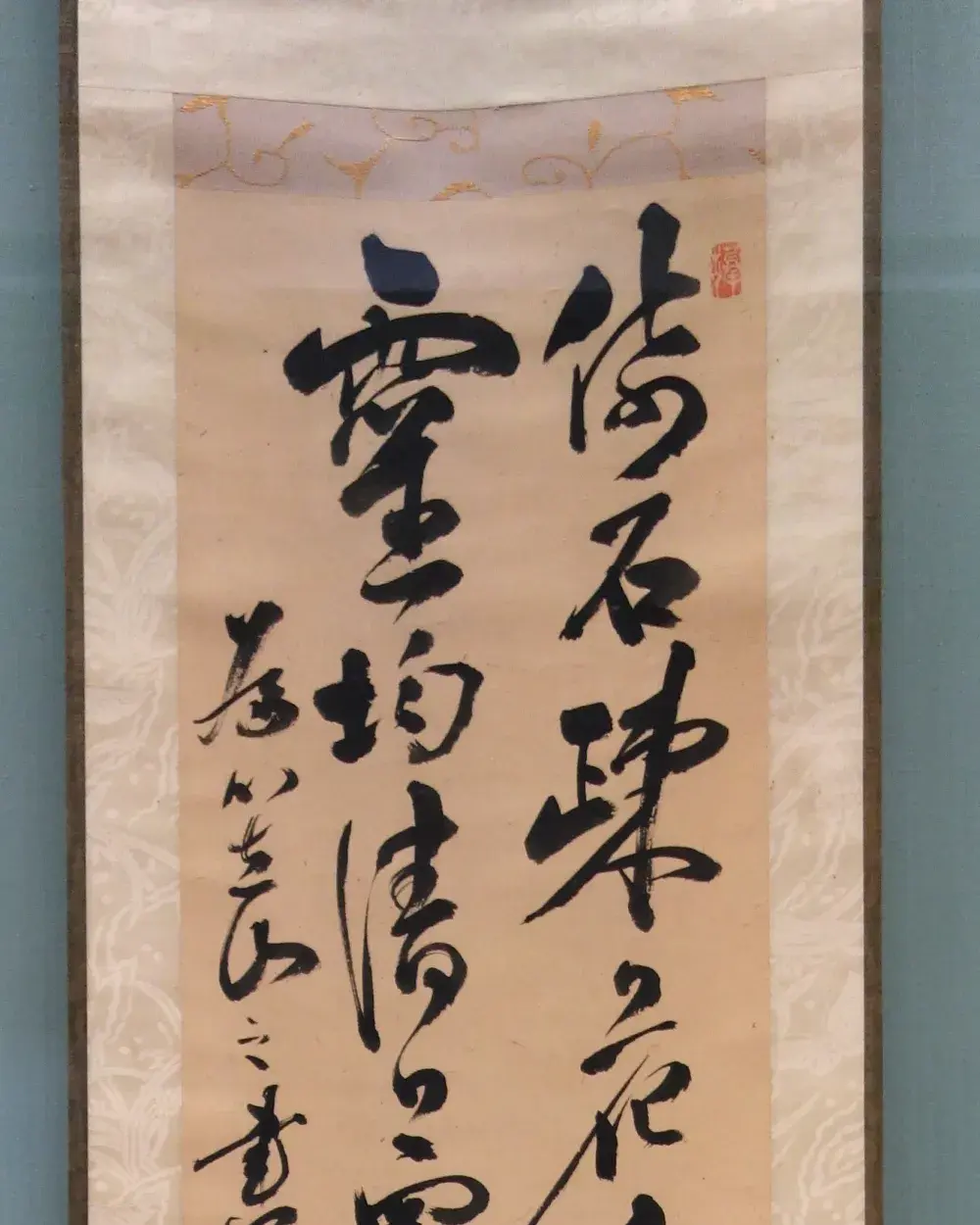
Simplified or Traditional: pick the right characters
There is no single written Chinese. Simplified characters are the standard in mainland China and Singapore, while Traditional characters are used in Taiwan, Hong Kong, and Macau. The two share a great deal, but a reader will notice straight away when a document arrives in the wrong set, so the choice is worth making before you translate rather than after.
As a rule of thumb, choose Simplified for a partner or customer on the mainland and Traditional for Taiwan or Hong Kong. Modern Chinese reads left to right and top to bottom, the same direction as English, though older and more formal material is sometimes set vertically. DocTranslator keeps whichever flow your PDF already uses so the result reads the way the original did.
Documents people translate between English and Chinese
China is one of the world's largest trading and manufacturing economies, so most PDFs in this language pair are commercial or technical. The files we see most often include:
- Business contracts and supplier agreements for cross-border deals
- Manufacturing and product specifications, drawings, and inspection reports
- Certificates and official paperwork supporting trade or relocation
- Marketing decks, brochures, and product packaging copy
- User manuals, safety sheets, and technical documentation
A few Chinese-specific things worth knowing
Because Chinese uses Han characters, the output PDF needs a font that actually contains them. DocTranslator embeds a font that covers the character range, so the text shows up correctly instead of leaving blank boxes where a Latin-only font would fail. Company names, place names, and product names are the parts most worth a human check, since several characters can map to the same English spelling and the wrong one changes the meaning.
AI translation is the fast, low-cost way to read a Chinese document or produce a working draft. For anything you submit to a government office or court, an official, human-reviewed translation is usually required. See certified translation if you need an official stamp.
English to Chinese PDF translation pricing
Start free and upgrade as your translation needs grow.
Free
No card needed to sign up
- $0.005/word AI translation
- $1 per page for scans and image PDFs
- 108 languages
- Files up to 20 MB and 20 pages
- DOCX, PDF, XLSX, PPTX, IDML, TXT, JPG, PNG and CSV
- 24-hour file storage only
- PDF editor and PDF to DOCX converter
Basic
Most popularBilled every week · cancel any time
Billed monthly
Billed once a year · save 33%
- AI translation included every month
- Then $0.005/word AI translation
- Files up to 100 MB and 300 pages
- DOCX, PDF, XLSX, PPTX, IDML, TXT, JPG, PNG and CSV
- OCR for scanned documents
- Document storage
- Priority support
- 7-day free trial on the monthly plan
- Cancel any time
Pro
Billed monthly
Billed once a year · save 34%
- AI translation included every month
- Then $0.004/word AI translation
- Files up to 1 GB and 5,000 pages
- DOCX, PDF, XLSX, PPTX, IDML, TXT, JPG, PNG and CSV
- Glossary
- Priority queue
- 5 team seats
- API requests · 1,000 pages a month
- MCP access for AI assistants
- Cancel any time
Business
Billed monthly
Billed once a year · save 33%
- AI translation included every month
- Then $0.003/word AI translation
- Files up to 1 GB and 5,000 pages
- DOCX, PDF, XLSX, PPTX, IDML, TXT, JPG, PNG and CSV
- Glossary
- Priority queue
- 15 team seats
- API requests · 5,000 pages a month
- MCP access for AI assistants
- Cancel any time
Enterprise
Need more volume, invoicing or a custom agreement? Talk to us about an Enterprise plan.
How to translate your PDF to Chinese?
Create a Free Account
Sign up with your email to access the online translation dashboard.
Upload Your PDF File
Drag and drop your file or browse to select it. Files up to 1 GB are supported on the Pro and Business plans.
Choose Chinese as Target Language
Select the original language of your PDF and set Chinese as the target language, picking Simplified or Traditional to match your readers.
Translate and Download
Click "Translate" and wait a few moments. Your translated PDF will be ready to download in Chinese, with formatting preserved.
English to Chinese PDF translation FAQ
Should I choose Simplified or Traditional Chinese?
It depends on the reader. Simplified characters are standard in mainland China and Singapore, while Traditional characters are used in Taiwan, Hong Kong, and Macau. Pick Simplified for mainland audiences and Traditional for Taiwan or Hong Kong. DocTranslator lets you set either one as the target.
Will Chinese characters and fonts display correctly in the PDF?
Yes. The output embeds a font that covers the Han character range, so the Chinese text renders properly rather than showing blank boxes the way a Latin-only font would. This matters most for scanned files and older PDFs whose original Chinese font is no longer available.
Chinese has no spaces between words. Does that cause problems?
No. Chinese readers tell where words begin and end from the characters themselves, not from spaces. DocTranslator translates whole sentences and lays the characters back into the original columns and tables, so the lines wrap cleanly without relying on spaces.
Can I translate from Chinese into English as well?
Yes, the pair works both ways and uses the same engine. When translating out of Chinese the text usually expands, since compact Chinese turns into longer English, and the layout is re-fitted so the longer lines still fit the page.
Is AI translation good enough for official or certified use?
For understanding a document, internal use, and first drafts, yes. But contracts, certificates, and paperwork submitted to a government office or court usually need a certified, human-reviewed translation. See our certified translation option for those.
How large a Chinese PDF can I translate?
On Pro and Business a single PDF can be up to 1 GB and 5,000 pages, which covers full technical manuals and reports. Basic stops at 100 MB and 300 pages, Free at 20 MB and 20 pages. A short Chinese excerpt costs from $0.99, a cheap way to check the quality before the full file.
What does English to Chinese PDF translation cost?
AI translation is $0.005/word on Free, paid per document with a $0.99 minimum. A Basic, Pro or Business plan is optional and comes with included pages that reset every 30 days. See pricing for details.
My Chinese PDF is a scan. Can it still be translated?
Image files (JPG, JPEG, PNG) and image PDFs are supported. Clean, high-resolution scans give the best results, while faint or handwritten Chinese is harder to read accurately. For sharper output, upload the original digital file when you have it.
Translate PDF to Chinese Today
Need a fast and reliable PDF to Chinese converter? With DocTranslator, you can translate PDFs online in minutes while keeping the original formatting, images, and layout intact. Upload files up to 1 GB and get accurate results instantly.
Related Tools
Translate PDF by Language
Document Types
Our Partners




