
CSV Translator
Product catalogues, exports and datasets translated column by column, with the delimiters, the quoting and the identifier columns left exactly as your parser expects to find them.
Upload or drop document to translate
Max. file size 1 GB
- OCR for scans and photos
- 108 languages
- Original layout kept
The structure is held up by two characters
Comma-separated values is barely a format. There is a widely followed description of the common dialect, but no authority enforces it, so what you actually receive is one of several conventions. The whole grid rests on two decisions: which character separates the fields in a record, and which sequence ends a record. Get either wrong and a tidy table becomes a single ragged column.
The separator is not always a comma. Spreadsheet software in countries that write decimals with a comma defaults to a semicolon instead, which is why an export from a German or French machine often refuses to open cleanly elsewhere. Tabs and vertical bars are both in common use as well, usually chosen precisely because the content is full of commas.
Every record has to carry the same number of fields as the header, because that count is how a parser knows which value belongs to which column. Nothing in the data announces this. It is an invariant that either holds or silently stops holding halfway down a large export, at which point everything below shifts one column to the left and looks plausible.
Four ways translated text breaks a record
These are the failures that do not announce themselves. The export still opens, the row count still looks roughly right, and the damage shows up later in whatever consumes the data.
- A new separator appears inside a value. An English product description with no commas becomes a French one with two. If the field was not quoted before, it now has to be, or the parser reads one value as three and shifts every column after it.
- A quotation mark lands inside a quoted value. Inside an enclosed field, a literal double quote has to be written twice to escape itself. Languages that quote with different marks, and any process that converts straight marks to typographic ones, can leave an unescaped character sitting in the middle of a value where it terminates the field early.
- A line break creeps into a cell. A record ends at a newline unless that newline sits inside quotes. Translated marketing copy that gains a paragraph break will split one record into two, and the second half will have the wrong number of fields.
- A placeholder gets translated. Strings destined for software often contain substitution tokens, a percent sign followed by a letter, a numbered slot in braces, a named variable. They are addresses for values inserted at runtime, not words, and translating one means the value never appears.
Half your columns are not language
A dataset mixes prose meant for humans with keys meant for machines, and they sit side by side with nothing to distinguish them but the column heading. Work out which is which before you start, because a translated identifier is worse than an untranslated description.
Leave these alone
- The header row itself where the headings are field names used by code rather than labels shown to a person
- Stock codes, catalogue numbers, unique identifiers and anything used as a key to join two datasets
- Web addresses and the slug portion of one, since changing it breaks the link and its ranking
- Status values that software compares against a fixed list, such as an order state or a yes-and-no flag
- Country, language and currency codes, which are already standardised abbreviations
- Dates written in year-month-day order, numbers, and anything that will be parsed rather than read
These are the ones you came for
- Product titles and long descriptions, which is usually the bulk of the word count
- Category and collection names as customers see them
- Attribute values with meaning, such as a colour, a material or a size word
- Interface strings pulled out for localisation, minus their placeholders
- Support article bodies, canned replies and email templates held as rows
- Column headings where the export is meant to be opened by a person rather than a program
Two things that damage data before translation even starts
Opening it in a spreadsheet
Double-clicking an export and saving it again is the most reliable way to corrupt a catalogue. Spreadsheet software guesses the type of every value it sees, and its guesses are confident and wrong:
- A thirteen-digit article number turns into scientific notation and loses its last digits for good
- A postal code beginning with a zero loses the zero
- Anything resembling a day and a month is rewritten as a date in the local format
- Long identifiers past fifteen digits are rounded, silently
If you must inspect the data first, use the import dialogue and set the identifier columns to text rather than letting the program decide. Better still, upload the export exactly as your system produced it.
The byte order mark question
Nothing inside the data says which character encoding it uses, so a marker of three bytes is sometimes placed at the very start to signal one. That marker helps and hurts depending on what opens the data next.
Spreadsheet software on Windows uses it to recognise Unicode content, and without it accented and non-Latin characters come out as strings of symbols. Many programming libraries, by contrast, do not strip it, so the first column heading arrives with three invisible characters glued to the front and every lookup against that heading fails.
Decide by destination: keep the marker if a person will open the result in a spreadsheet, drop it if a program will read it. The answer to almost every question about corrupted accented characters is somewhere in this paragraph.
What a dataset costs to process
Priced by volume of text, so a wide catalogue with short values is cheaper than a narrow one full of long descriptions.
Free
No card needed to sign up
- $0.005/word AI translation
- $1 per page for scans and image PDFs
- 108 languages
- Files up to 20 MB and 20 pages
- DOCX, PDF, XLSX, PPTX, IDML, TXT, JPG, PNG and CSV
- 24-hour file storage only
- PDF editor and PDF to DOCX converter
Basic
Most popularBilled every week · cancel any time
Billed monthly
Billed once a year · save 33%
- AI translation included every month
- Then $0.005/word AI translation
- Files up to 100 MB and 300 pages
- DOCX, PDF, XLSX, PPTX, IDML, TXT, JPG, PNG and CSV
- OCR for scanned documents
- Document storage
- Priority support
- 7-day free trial on the monthly plan
- Cancel any time
Pro
Billed monthly
Billed once a year · save 34%
- AI translation included every month
- Then $0.004/word AI translation
- Files up to 1 GB and 5,000 pages
- DOCX, PDF, XLSX, PPTX, IDML, TXT, JPG, PNG and CSV
- Glossary
- Priority queue
- 5 team seats
- API requests · 1,000 pages a month
- MCP access for AI assistants
- Cancel any time
Business
Billed monthly
Billed once a year · save 33%
- AI translation included every month
- Then $0.003/word AI translation
- Files up to 1 GB and 5,000 pages
- DOCX, PDF, XLSX, PPTX, IDML, TXT, JPG, PNG and CSV
- Glossary
- Priority queue
- 15 team seats
- API requests · 5,000 pages a month
- MCP access for AI assistants
- Cancel any time
Enterprise
Need more volume, invoicing or a custom agreement? Talk to us about an Enterprise plan.
Rows in, rows out
Enlarge a thumbnail to compare a source page with its result. What the pairs demonstrate:
- Column count per record is unchanged from top to bottom.
- Values that were enclosed in quotes are still enclosed.
- Codes, keys and numeric values pass through untouched.
- Only the human-readable columns come back in a new language.
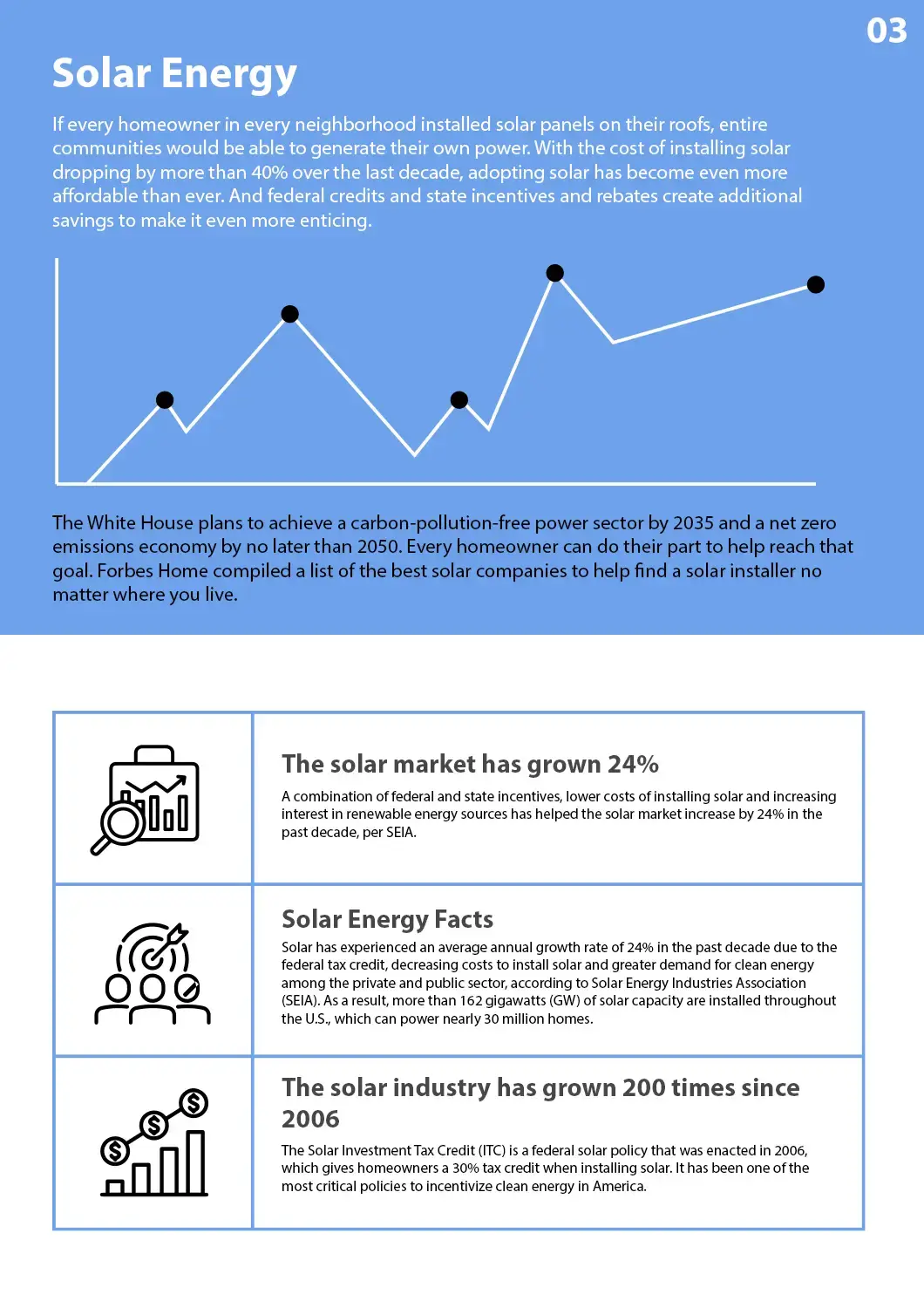
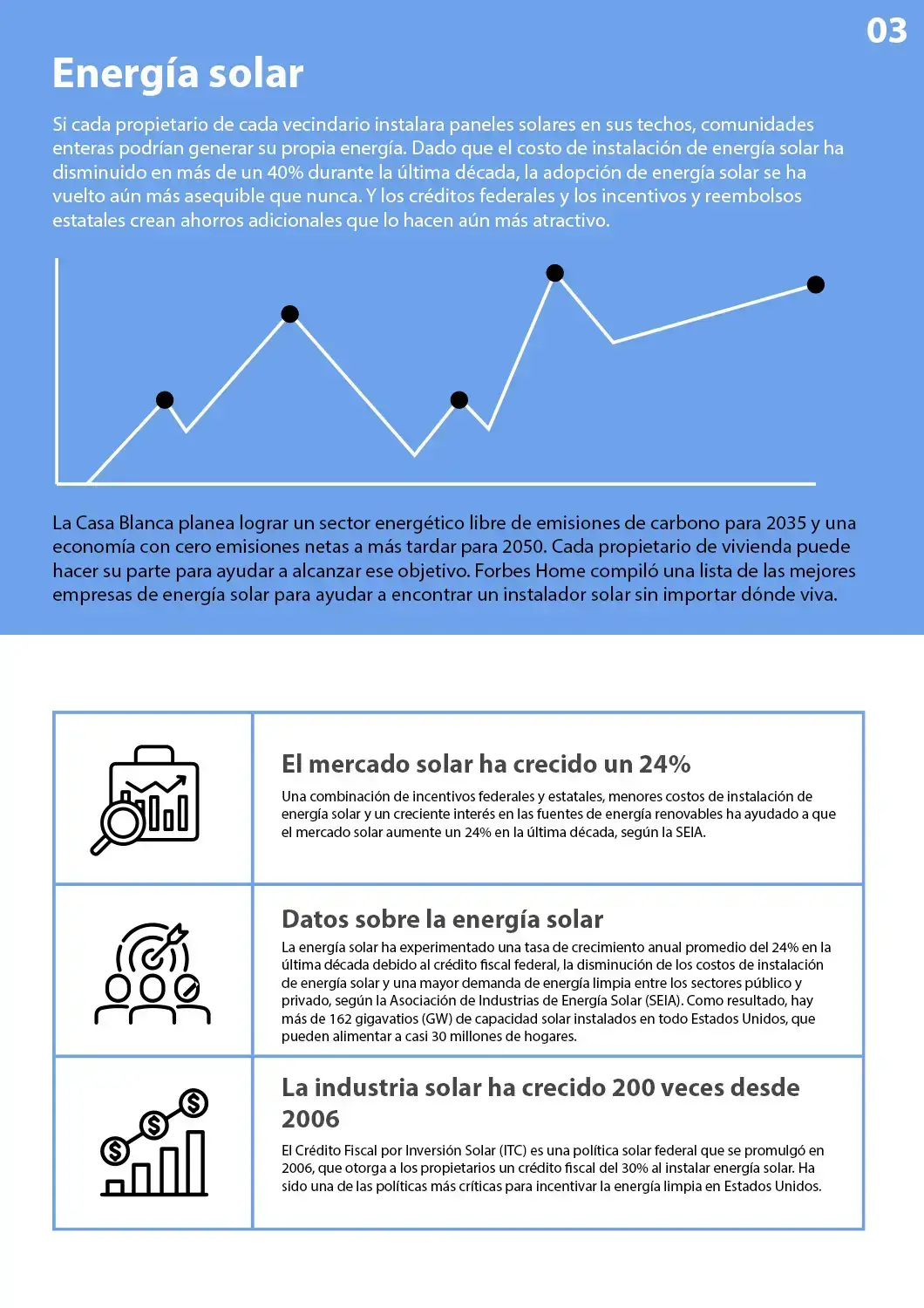


Nothing here was opened in a spreadsheet between the two states.
See all translation examples →A working order that avoids rework
Localising a catalogue is a pipeline, and the expensive mistakes all happen at the ends of it rather than in the middle.
- 1
Export cleanly and note the dialect
Take the export straight from the system that owns the data. Open it once in a plain text editor, not a spreadsheet, and note which character separates the fields and whether values are enclosed in quotes.
- 2
Mark the columns you do not want touched
Identifiers, keys, links, status values and codes. If the export is very wide, it is often faster to cut it down to the columns that hold prose and rejoin on the key afterwards.
- 3
Upload and choose your languages
Create an account with an email address, drop the data in, and set the source and target. Uploads run to 1 GB, so a full catalogue goes through as one job rather than being split into batches.
- 4
Reimport into a staging copy first
Load the result into a test environment before production. Check the record count against the original, look at the longest translated values for layout problems, and confirm the accented characters survived the trip.
Questions from people with datasets
Does the delimiter change if I translate into a language that uses decimal commas?
The separator you uploaded with is the separator you get back. Changing it would mean rewriting the structure rather than the content, and it would break whatever consumes the data at the other end. If you specifically need a semicolon-separated version because the result will be opened in a spreadsheet on a machine configured that way, convert it after translation with a tool that understands both dialects.
How do I stop product codes and identifiers being translated?
Keep them in clearly identified columns and, where possible, send only the prose columns for processing and rejoin on the key afterwards. Values that are obviously codes rather than words are left as they are, but the safest arrangement is the one where the ambiguity never arises. Never let a spreadsheet touch those columns in the meantime, because it will reformat them regardless of any translation.
My accented characters came back as strings of symbols. What happened?
That is an encoding mismatch, not a translation problem. The result is almost certainly correct Unicode being read by something expecting a legacy single-byte encoding, or the reverse. Open it in a text editor that lets you choose the encoding explicitly and confirm what you actually have before assuming anything was lost. If a spreadsheet is the destination, the byte order marker at the start is usually what decides it.
What happens to values that contain commas or line breaks?
They stay enclosed. Any value holding the separator, a quotation mark or a newline has to be wrapped in quotes, and a literal quotation mark inside such a value has to be doubled. Because translated text can acquire punctuation the original did not have, that enclosure has to be applied to the result rather than copied from the source.
Will placeholders and variable tokens survive?
They should, and it is worth checking a sample. Tokens like a percent sign followed by a letter, a numbered slot in braces or a named variable are addresses for values dropped in at runtime. Translating one means the value never reaches the screen, so scan a handful of the longest interface strings in the output before shipping.
My strings get much longer in German. Does that matter here?
Not to the data itself, which has no width. It matters to whatever displays it. Expansion of a fifth to a third over English is normal for German and Russian, while Chinese and Japanese usually contract. Sort the translated column by length and look at the extremes against your own layout, and check any database column with a fixed character limit.
How large a dataset can I send in one go?
Up to 1 GB, or five thousand pages of equivalent content, on the Pro and Business plans. That covers catalogues in the hundreds of thousands of rows. Sending the whole thing as one job is also better for consistency, because a term that appears in row 12 and row 90,000 is handled the same way.
What am I charged for on a wide export?
The text, not the grid. Empty cells, numeric columns and identifier columns are not prose. On Free each file is billed on its own at half a cent per word, with $0.99 as the floor, while a subscription draws on the pages it includes every 30 days and bills per word only past that point. That makes a large catalogue easy to estimate from a word count.
Send the export, keep the structure
Upload the data exactly as your system produced it, pick the target language, and get back a grid with the same number of columns in every record and the keys still joinable.
Our Partners




Related Translation Services
File Formats
PDF Tools