
Vertaling van PDF na Chinees
Verander 'n Engelse PDF na Chinees, in óf Vereenvoudigde óf Tradisionele karakters, terwyl die oorspronklike uitleg, tabelle en beelde op hulle plek bly. Dieselfde hulpmiddel vertaal ook Chinese PDF's terug na Engels. Lêers tot 1 GB.
Laai dokument op of sleep dit hierheen om te vertaal
Maks. lêergrootte 1 GB
- OCR vir skanderings en foto's
- 108 tale
- Oorspronklike uitleg behou
Wat gebeur wanneer jy 'n PDF na Chinees vertaal
Chinees word geskryf met Han-karakters eerder as 'n alfabet, so die eerste ding wat 'n vertaler moet doen, is om die betekenis van elke sin te herbou en dit dan met die regte karakters uit te druk, nie net een woord vir 'n ander te ruil nie. Mandaryns Chinees het ongeveer 920 miljoen moedertaalsprekers, meer as enige ander taal, daarom benodig soveel besighede op 'n stadium 'n Chinese weergawe van 'n kontrak, handleiding of verslag.
Chinees laat ook geen spasies tussen woorde nie. 'n Leser herken waar een woord eindig en die volgende begin aan die hand van die karakters self, dus kan 'n hulpmiddel nie op spasies staatmaak om reëls te breek of woorde te tel soos dit in Engels sou doen nie. DocTranslator werk op sinvlak en plaas die voltooide Chinees terug op die bladsy, sodat die karakters netjies in die kolomme, tabelle en byskrifte sit waarvandaan hulle gekom het in plaas daarvan om verby die kantlyne te loop.
Een nuttige newe-effek is spasie. Chinees is kompak: 'n frase wat oor 'n volle reël Engels strek, pas dikwels in 'n handvol karakters, so die vertaalde teks neem dikwels minder ruimte in as die bron. Dieselfde enjin werk ook in die ander rigting, en verander 'n Chinese PDF terug na Engels, waar die teks gewoonlik groei en die uitleg aangepas moet word sodat die langer Engelse reëls steeds op die bladsy pas.
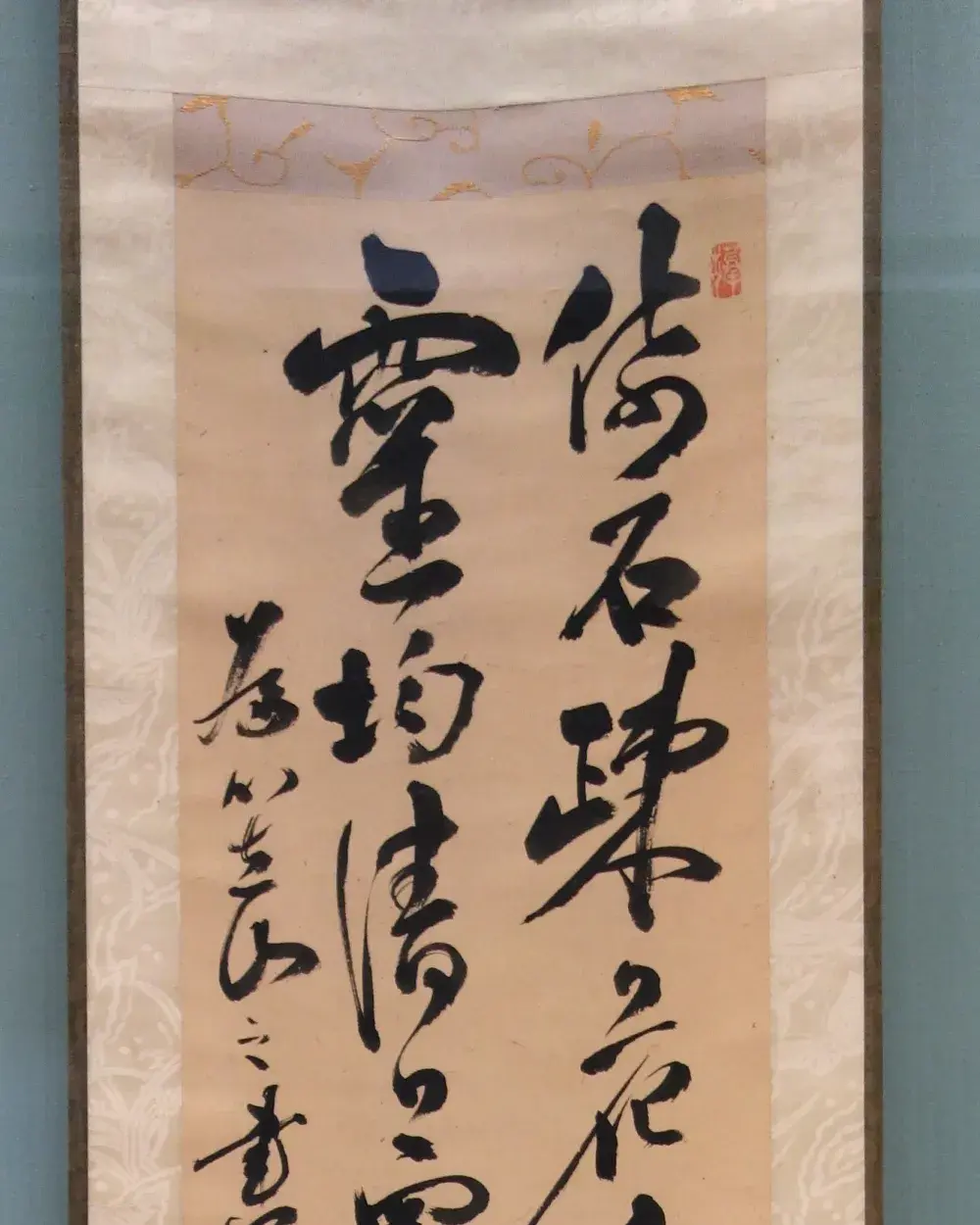
Vereenvoudig of Tradisioneel: kies die regte karakters
Daar is nie een enkele geskrewe Chinees nie. Vereenvoudigde karakters is die standaard in die vasteland van China en Singapoer, terwyl Tradisionele karakters in Taiwan, Hong Kong en Macau gebruik word. Die twee deel baie, maar 'n leser sal dadelik agterkom wanneer 'n dokument in die verkeerde stel aankom, dus is die keuse die moeite werd om te maak voor jy vertaal eerder as daarna.
As 'n algemene reël, kies Vereenvoudig vir 'n vennoot of kliënt op die vasteland en Tradisioneel vir Taiwan of Hong Kong. Moderne Chinees lees van links na regs en van bo na onder, dieselfde rigting as Engels, hoewel ouer en meer formele materiaal soms vertikaal gesit word. DocTranslator behou watter vloei jou PDF reeds gebruik sodat die resultaat lees soos die oorspronklike gedoen het.
Dokumente wat mense tussen Engels en Chinees vertaal
China is een van die wêreld se grootste handels- en vervaardigingsekomomieë, so die meeste PDF's in hierdie taalpaar is kommersieel of tegnies. Die lêers wat ons die meeste sien, sluit in:
- Besigheidskontrakte en verskaffersname vir oorgrens transaksies
- Vervaardiging- en produkspesifikasies, tekeninge en inspeksieverslae
- Sertifikate en amptelike papierwerk wat handel of verhuising ondersteun
- Bemarkingsaanbiedinge, brosjures en produkverpakkingstekste
- Gebruikershandleidings, veiligheidsblaaie en tegniese dokumentasie
'n Paar Chinees-spesifieke dinge wat die moeite werd is om te weet
Omdat Chinees Han-karakters gebruik, benodig die uitvoer-PDF 'n lettertipe wat dit eintlik bevat. DocTranslator voeg 'n lettertipe in wat die karakterreeks dek, sodat die teks korrek vertoon word in plaas daarvan om leë blokkies te laat waar 'n Latynse lettertipe sou misluk het. Maatskappy name, plek name, en produk name is die dele wat die meeste die moeite werd is vir 'n menslike kontrole, aangesien verskeie karakters na dieselfde Engelse spelling kan karteer en die verkeerde een verander die betekenis.
KI-vertaling is die vinnige, goedkoop manier om 'n Chinese dokument te lees of 'n werkende konsep te produseer. Vir enigiets wat jy by 'n regeringskantoor of hof indien, word 'n amptelike, mens-gekontroleerde vertaling gewoonlik vereis. Sien gesertifiseerde vertaling as jy 'n amptelike seël benodig.
Engels na Chinees PDF vertaalpryse
Begin gratis en gradeer op soos jou vertaalbehoeftes groei.
Free
Geen kaart nodig om te registreer nie
- $0.005/woord KI-vertaling
- $1 per bladsy vir skanderings en beeld-PDF's
- 108 tale
- Lêers tot 20 MB en 20 bladsye
- DOCX, PDF, XLSX, PPTX, IDML, TXT, JPG, PNG en CSV
- 24-uur lêerstoor slegs
- PDF-redigeerder en PDF na DOCX-omskakelaar
Basies
Mees populêrWeekliks gefaktureer · kanselleer enige tyd
Maandeliks gefaktureer
Eenmalig jaarliks gefaktureer · spaar 33%
- KI-vertaling elke maand ingesluit
- Dan R0.005/woord KI-vertaling
- Lêers tot 100 MB en 300 bladsye
- DOCX, PDF, XLSX, PPTX, IDML, TXT, JPG, PNG en CSV
- OCR vir geskandeerde dokumente
- Dokumentberging
- Prioriteitondersteuning
- 7-dae gratis proeftydperk op die maandelikse plan
- Kanselleer enige tyd
Pro
Maandeliks gefaktureer
Eenmalig jaarliks gefaktureer · spaar 34%
- KI-vertaling elke maand ingesluit
- Dan R0.004/woord KI-vertaling
- Lêers tot 1 GB en 5 000 bladsye
- DOCX, PDF, XLSX, PPTX, IDML, TXT, JPG, PNG en CSV
- Glosarium
- Prioriteitsry
- 5 span-sitplekke
- API-versoeke · 1 000 bladsye per maand
- MCP-toegang vir KI-assistente
- Kanselleer enige tyd
Besigheid
Maandeliks gefaktureer
Eenmalig jaarliks gefaktureer · spaar 33%
- KI-vertaling elke maand ingesluit
- Dan R0.003/woord KI-vertaling
- Lêers tot 1 GB en 5 000 bladsye
- DOCX, PDF, XLSX, PPTX, IDML, TXT, JPG, PNG en CSV
- Glosarium
- Prioriteitsry
- 15 span-sitplekke
- API-versoeke · 5 000 bladsye per maand
- MCP-toegang vir KI-assistente
- Kanselleer enige tyd
Onderneming
Benodig meer volume, fakturering of 'n pasgemaakte ooreenkoms? Praat met ons oor 'n Enterprise-plan.
Hoe om jou PDF na Chinees te vertaal?
Skep 'n Gratis Rekening
Registreer met jou e-pos om toegang tot die aanlyn vertaalpaneel te verkry.
Laai Jou PDF Lêer Op
Sleep en los jou lêer of blaai om dit te kies. Lêers tot 1 GB word ondersteun op die Pro- en Besigheid-planne.
Kies Chinees as Teikentaal
Kies die oorspronklike taal van jou PDF en stel Chinees as die teikentaal, kies Vereenvoudig of Tradisioneel om by jou lesers te pas.
Vertaal en Laai Af
Klik "Vertaal" en wag 'n paar oomblikke. Jou vertaalde PDF sal gereed wees om af te laai in Chinees, met formatering bewaar.
Engels na Chinees PDF Vertaal Vrae
Moet ek Vereenvoudigde of Tradisionele Chinees kies?
Dit hang af van die leser. Vereenvoudigde karakters is standaard in die vasteland van China en Singapoer, terwyl Tradisionele karakters in Taiwan, Hong Kong en Macau gebruik word. Kies Vereenvoudigde vir vasteland-gehore en Tradisionele vir Taiwan of Hong Kong. DocTranslator laat jou toe om enige een as die teiken in te stel.
Sal die Chinese karakters en lettertipes korrek in die PDF vertoon?
Ja. Die uitvoer sluit 'n lettertipe in wat die Han-karakterreeks dek, so die Chinese teks word behoorlik weergegee in plaas daarvan om leë blokkies te wys soos 'n Latynse-alleen lettertipe sou doen. Dit is veral belangrik vir geskandeerde lêers en ouer PDF's waarvan die oorspronklike Chinese lettertipe nie meer beskikbaar is nie.
Chinese het geen spasies tussen woorde nie. Veroorsaak dit probleme?
Nee. Chinese lesers bepaal waar woorde begin en eindig uit die karakters self, nie uit spasies nie. DocTranslator vertaal hele sinne en plaas die karakters terug in die oorspronklike kolomme en tabelle, sodat die lyne skoon omvou sonder om op spasies te steun.
Kan ek ook van Chinees na Engels vertaal?
Ja, die paar werk albei kante toe en gebruik dieselfde enjin. Wanneer jy uit Chinees vertaal, brei die teks gewoonlik uit, aangesien kompakte Chinees in langer Engels verander, en die uitleg word weer aangepas sodat die langer lyne steeds op die bladsy pas.
Is KI-vertaling goed genoeg vir amptelike of gesertifiseerde gebruik?
Vir die begrip van 'n dokument, interne gebruik, en eerste konsepte, ja. Maar kontrakte, sertifikate, en papierwerk wat by 'n regeringskantoor of hof ingedien word, benodig gewoonlik 'n gesertifiseerde, mens-gekontroleerde vertaling. Sien ons gesertifiseerde vertaling opsie daarvoor.
Hoe groot 'n Chinese PDF kan ek vertaal?
Op Pro en Business kan 'n enkele PDF tot 1 GB en 5,000 bladsye wees, wat volledige tegniese handleidings en verslae dek. Basic stop by 100 MB en 300 bladsye, Free by 20 MB en 20 bladsye. 'n Kort Chinese uittreksel kos van $0.99, 'n goedkoop manier om die kwaliteit na te gaan voordat die volledige lêer.
Wat kos die vertaling van Engels na Chinese PDF?
KI-vertaling is $0.005/woord op Gratis, betaalbaar per dokument met 'n $0.99 minimum. 'n Basies, Pro of Besigheid plan is opsioneel en kom met ingeslote bladsye wat elke 30 dae terugstel. Sien pryse vir besonderhede.
My Chinese PDF is 'n skandering. Kan dit steeds vertaal word?
Beeldlêers (JPG, JPEG, PNG) en beeld-PDF's word ondersteun. Skoon, hoë-resolusie skanderings gee die beste resultate, terwyl dowwe of handgeskrewe Chinees moeiliker is om akkuraat te lees. Vir skerper uitvoer, laai die oorspronklike digitale lêer op wanneer jy dit het.
Vertaal PDF na Chinees Vandag
Benodig 'n vinnige en betroubare PDF na Chinees-omskakelaar? Met DocTranslator kan jy PDF's binne minute aanlyn vertaal terwyl die oorspronklike formatering, beelde en uitleg ongeskonde bly. Laai lêers op tot 1 GB en kry akkurate resultate onmiddellik.
Verwante Gereedskap
Vertaal PDF per taal
Dokumenttipes
Ons Vennote




